Transferring Pokémon from Pokémon GO to Pokémon Home is something you want to do for various reasons. One of the top reasons is to activate the Mystery Box in Pokémon GO. I’m guessing that is the reason why you are here.
What’s a Mystery Box in Pokémon GO?
Mystery Box is a “Trainer Boosts” special item in Pokémon GO that works like an Incense. However, instead of spawning different Pokémon, it spawns only Meltan when activated. With the Mystery Box activated, Meltan will spawn around your avatar for 60 minutes. You don’t need to walk for the Mystery Box to spawn Meltan. However, walking increases the number of Meltan you will get within the 60 minutes.
How to Get a Mystery Box
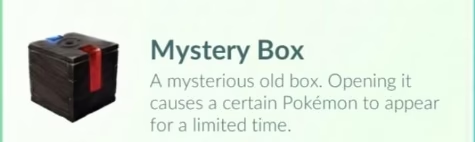
You get it by transferring Pokémon from Pokémon GO to Pokémon Home. These are two different games. Which means you will need to have both installed on the same phone. You can also get the Mystery Box by transferring from Pokémon GO to Let’s GO Pikachu or Let’s GO Eevee on Switch.
Here, we focus on transferring to Pokémon Home. After you transfer Pokémon to Pokémon Home, the Mystery Box will appear in your Items inventory. You can then activate it to start getting Meltan spawns.
You will need to transfer a Pokémon from GO to Home each time you want to activate the Mystery Box. However, you can only do this after every three (3) days. The number of days reduces during special events in Pokémon GO.
Transferring from Pokémon GO to Pokémon Home
First, install Pokémon Home on your phone or on a Nintendo Switch. Ensure you create an account using a Nintendo Account. Pokémon HOME is an app that allows you to store all your Pokémon in one place.
Link Pokémon GO to Pokémon Home
- You then need to open Pokémon GO and tap on the Poké Ball icon in the bottom middle part of the game.
- On the next screen, click on ‘Settings’ and scroll up till you see “Connected Devices and Services’.
- Click on that and then click on “Pokémon Home” to get started.
- Sign in using the Nintendo Account you used to create an account on Pokémon Home. This establishes the link between Pokémon GO and Pokémon Home.
Whenever you need to reactivate the Mystery Box, you will not need to reestablish this link, unless it has somehow been disconnected.
Send Pokémon from GO to Home
- On the ‘Settings’ page, scroll up till you see “Connected Devices and Services’ and click on that.
- Then click on “Pokémon Home” and then tap “Send Pokémon”.
- Click on “Continue” on the ‘GO Transporter Energy’ page.
- Select the Pokémon you want to transfer and click ‘Next’.
- Confirm the transfer by clicking on ‘Transport’.
The Pokémon will be transferred to Pokémon Home, and then the Mystery Box will be added to your Pokémon GO Item space. You also need to receive the Pokémon in Home to complete the transfer.
When you are ready to use the Mystery Box, go to your Pokémon GO item space, scroll up to the ‘Trainer Boosts’ section, click on the Mystery Box, and then click on ‘Open’.
Also note that each transfer consumes GO Transporter Energy. Shiny, Legendary, and High-CP Pokémon cost more energy.
Receive Pokémon in Pokémon Home
- Open Pokémon Home
- You will see a prompt asking you to receive transferred Pokémon.
- Look for the notice and then confirm to add the Pokémon to Pokémon Home.
Other important details
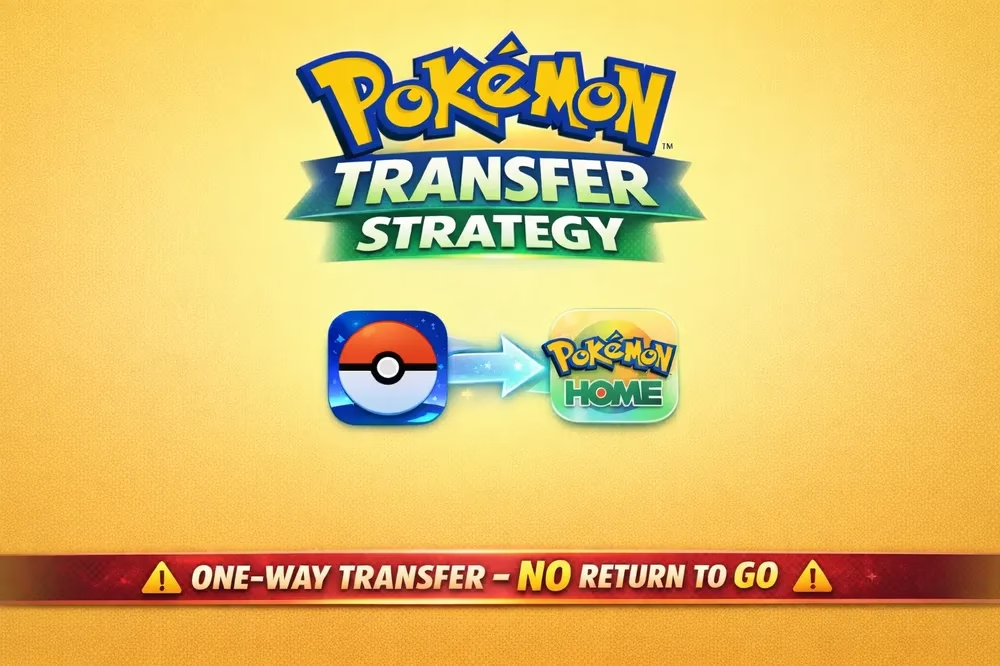
Transfers from Pokémon GO to Pokémon Home are permanent. You cannot reverse the transfer. Also, you cannot send Pokémon back from Home to GO.