
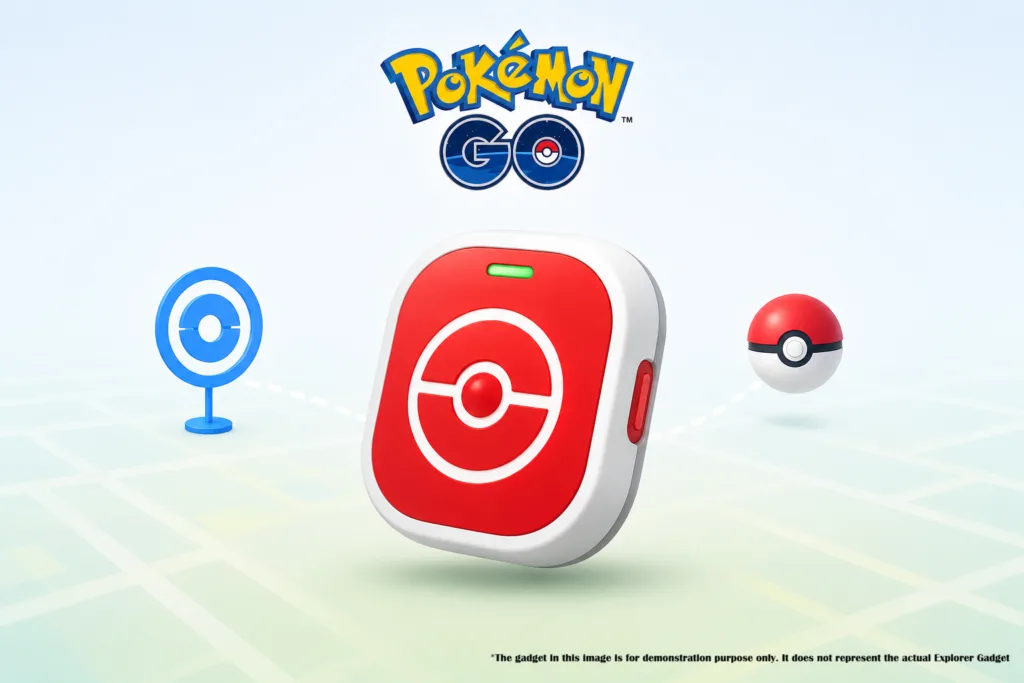
Pokémon GO Explorer Gadget is a new device that Pokémon GO Trainers can use to auto-catch Pokémon in Pokémon GO. It offers the automation perks of a physical peripheral without requiring extra hardware.
The Pokémon GO Explorer Gadget feature is rolling out in phases, bringing a completely automated way to catch Pokémon and spin PokéStops without needing the app open on your screen.
Whether you are commuting to work, tackling chores around the house, taking a much-needed screen break, or going for a casual stroll through the park, this built-in feature is designed to keep your adventure alive. Let’s dive deep into everything you need to know about the Pokémon GO Explorer Gadget, how it works, eligibility requirements, and how it interacts with physical accessory devices.
What Is the Pokémon GO Explorer Gadget?
The Pokémon GO Explorer Gadget is a brand-new, built-in feature designed for Trainers at Level 20 and higher. Once activated, it allows your mobile device to automatically attempt to catch Pokémon and spin PokéStops while you explore the real world with the app running in the background.
Instead of forcing you to stare constantly at your screen, the feature handles the routine catches and spins for you. However, it operates under a few specific rules to keep gameplay balanced:
Poké Ball Restriction: The Pokémon GO Explorer Gadget will only use standard Poké Balls. It will not consume Great Balls or Ultra Balls, meaning you will want to stock up on regular Poké Balls before heading out.
Catch Limitations: The gadget will not attempt to catch certain special Pokémon. For example, it skips Pokémon that are not yet registered in your Pokédex or mighty Pokémon.
Storage Safety Measures: If your Pokémon Storage completely fills up, the gadget will automatically stop catching Pokémon. Similarly, if your Item Bag runs out of space, it will stop spinning PokéStops until you make room
How to Use the Pokémon GO Explorer Gadget
Getting started with the feature is remarkably straightforward, provided you meet the level requirement. Here is a step-by-step guide to setting it up:
Check Your Level: Ensure your Trainer account is at Level 20 or higher.
Access the Gadget: Tap the Explorer Gadget icon located on the top right of your map view, or locate it within the Key Items section of your Item Bag.
Lock and Go: Once activated, feel free to lock your screen and enjoy the world around you. As long as you move at a casual pace with your smart device on your person, the background feature handles the rest.
Monitor Your Progress: Want to see how well you did? You can easily check a summary of what Pokémon were caught, how many were caught, and how many PokéStops were spun by simply selecting the Explorer Gadget icon from your map view or Item Bag.
However, there is a limit to the number of Pokémon you can catch and the number of PokéStops you can spin. Currently, the limits vary since the device is being tested. Reports say the limit is based on Trainer level, GO Pass effects, etc.
Daily Limits and Rollout Status
Keep in mind that the feature features a daily limit for how many Pokémon it can catch and how many PokéStops it can spin, which scales based on your Trainer level. Once these daily thresholds are reached, the gadget pauses its activity until the next day.
Additionally, since the feature is undergoing a phased rollout, it might not be immediately available to every player globally.
Explorer Gadget vs. Physical Accessories (Like the Pokémon GO Plus +)
Many veteran players already use hardware accessories to automate gameplay. If you own a device like the Pokémon GO Plus +, you might be wondering how this new built-in feature impacts your current setup.
The good news is that you do not need to unpair your accessory device to use the Explorer Gadget. However, there are a few important coexistence rules to keep in mind:
Mutually Exclusive Activity: While you can choose between using the Explorer Gadget or a physical accessory device, they cannot be active at the same time.
Seamless Switching: You can easily view whether your Explorer Gadget or your paired accessory device is currently active straight from the map view.
The Switch Penalty: If you decide to switch over to a physical accessory device while the Pokémon GO Explorer Gadget is already active, the Explorer Gadget will immediately stop, and you will not be able to use it again until the next day. Because of this, you should plan whether you want to use the software gadget or your hardware accessory before heading out for your daily walk.
Tips for Maximizing the Explorer Gadget
To make the most out of this new background feature, consider these quick tips before heading out on your next excursion:
Stock Up on PokéBalls: Because the gadget exclusively uses standard Poké Balls, clear out some space in your bag and fill it to the brim with regular balls before activating it.
Manage Your Storage Early: There is nothing worse than missing out on a rare spawn or a clutch PokéStop spin because your inventory hit maximum capacity. Do some housekeeping on your Pokémon storage and item inventory beforehand.
Watch Your Pace: The feature relies on movement tracking while your phone is on your person. Moving at a casual, walking pace ensures optimal tracking for distance, spins, and encounters.
Final Thoughts
The introduction of the Explorer Gadget marks an exciting step forward for quality-of-life improvements in Pokémon GO. By allowing players to passively engage with the game while maintaining a healthy balance with the real world, Niantic is making it easier than ever to keep your streaks alive and your progress moving forward.
As the phased rollout continues to reach more players worldwide, keep an eye on your map view and Item Bag for the icon to appear. Gear up, stock up on those standard Poké Balls, and get ready to explore the world around you in a whole new way!
The Verdict: Pros and Cons of the Explorer Gadget
While the Pokémon GO Explorer Gadget is a massive quality-of-life update for casual players, it has clear trade-offs for hardcore trainers.
- Pros:
- Completely Free
- Clutter-Free: Eliminates the need to carry around, charge, and sync a physical Bluetooth device.
- Great for Casual Play: Ideal for passive resource gathering during daily commutes without any setup.
- Cons
- Item Restrictions: Being locked to standard Poké Balls means you will run out of ammunition quickly if you don’t spin enough Stops.
- Battery Drain: It relies entirely on the app running in the background. It can drain your phone battery faster than a physical device utilizing low-energy Bluetooth.
- Daily Caps: Unlike hardware accessories, the virtual gadget has a built-in daily limit on catches and spins.
Manage your personalized search experience:
Add this site to your Google Search Preferences list